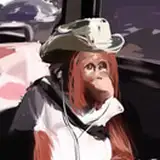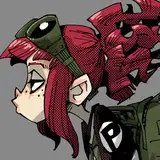
今回はレイヤーによる調整についてちょっと詳しく。特に難しいことはしていませんwちなみに肌色はちょっと暗めに塗っておくと この後行う調整で良い感じになりやすい。
I talk about adjusting by layer in detail, I don't do a difficult way.haha By the way, painting a bit dark color on skin, it tends to be good to adjust by layers.
キャラクターに覆い焼きカラー(発光)でこのレイヤーを合成して ライティングに色合いを加える。
Putting this layer on the character layer in color dodge(glow), it adds color to the light.
ここでフィニッシュしても良いけど もうちょっと良い感じにしたい。
I think it's okay to finish in this time, but also I want to make it better a bit.
この合成されたキャラクターレイヤーをコピーしガウスぼかし(100px)を描けて調整用のレイヤーを作成。主にコントラストの調整に使うことが多い。
Copying compositing the character layer, and doing Gaussian blur(100px) to the layer. I usually use it by change the contrast.
私のお決まりのパターンは 焼き込み(リニア)でコントラストをつけて加算(発光)で皮膚を輝いている感じにする。なお調整レイヤーの透明度は特に決まっておらず、良い感じになるところを探り探り。たまに他の方法を試すこともある。
My pattern is doing liner burn for changing the contrast, and doing add(glow) for glowing the skin. As for the transparency of the adjusting layers, I don't decide some value, keep to try any one untill feeling good for me. But aso I sometimes try to do other compositing.
完成! Finished!