Here's a quick guide on how to get your rewards, or confirm if you have received them.
Make sure you have launched the game at least once (At least until the main menu)
Also be sure that you have linked the correct Discord account via Patreon! https://www.patreon.com/settings/apps
1) Copy your Steam Profile Link
2) Find your SteamID64 -A number looks like 765611xxxxxxxxxxx-
You can find yours from here https://steamid.io/ by pasting your Steam Profile link)
3) Copy your SteamID64
4) Go to bot-spam channel and type !linksteam followed by your SteamID64
If successful, the bot should return "In game roles updated to PatreonBacker"
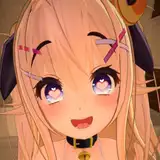
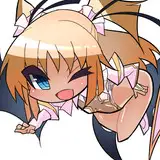
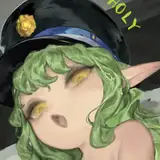
When you load back into the game it should look like the main menu screenshot.
Please add a comment or message via Inbox if this doesn't work for you!
If it did work for you, please return to the previous post to update your vote!
www.patreon.com/posts/63104760