今月もご支援本当にありがとうございました!
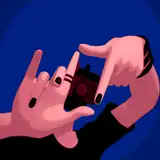
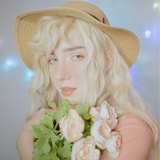
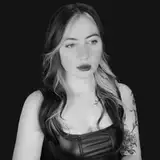
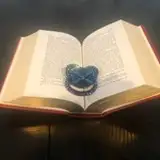
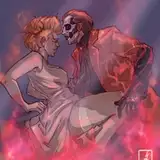
今回久々に覆い焼き発光を利用して作品を制作しました。
Photoshopで開く場合そのままでは問題が発生するため今まで使用を控えていたのですが、やはりこの機能を利用すると個人的にかなり楽かつクオリティを確保出来るため、時間が取れない場合などには利用していこうと思います。
以下のURLにてCLIPSTUDIOPAINTとPhotoshopにおける覆い焼き発光の互換性の再現方法について記載されていますので、Photoshopをお持ちの方はご参考になれば幸いです。
Thank you for your support this month!
It has been a while since I have created a new work using the "覆い焼き発光" function.
I have refrained from using this feature because of the problems that occur when opening the image in Photoshop, but I think I will use it when I don't have enough time, because it is much easier for me personally and I can ensure the quality.
The following URL describes how to reproduce the compatibility of "覆い焼き発光" between CLIPSTUDIOPAINT and Photoshop. so if you have Photoshop, please refer to it.
https://detail.chiebukuro.yahoo.co.jp/qa/question_detail/q14263148154
https://detail.chiebukuro.yahoo.co.jp/qa/question_detail/q14263148154