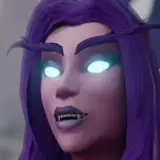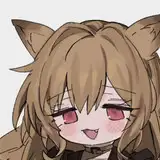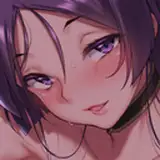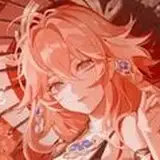
For those of you having trouble adjusting character collision, here's a quick guide.
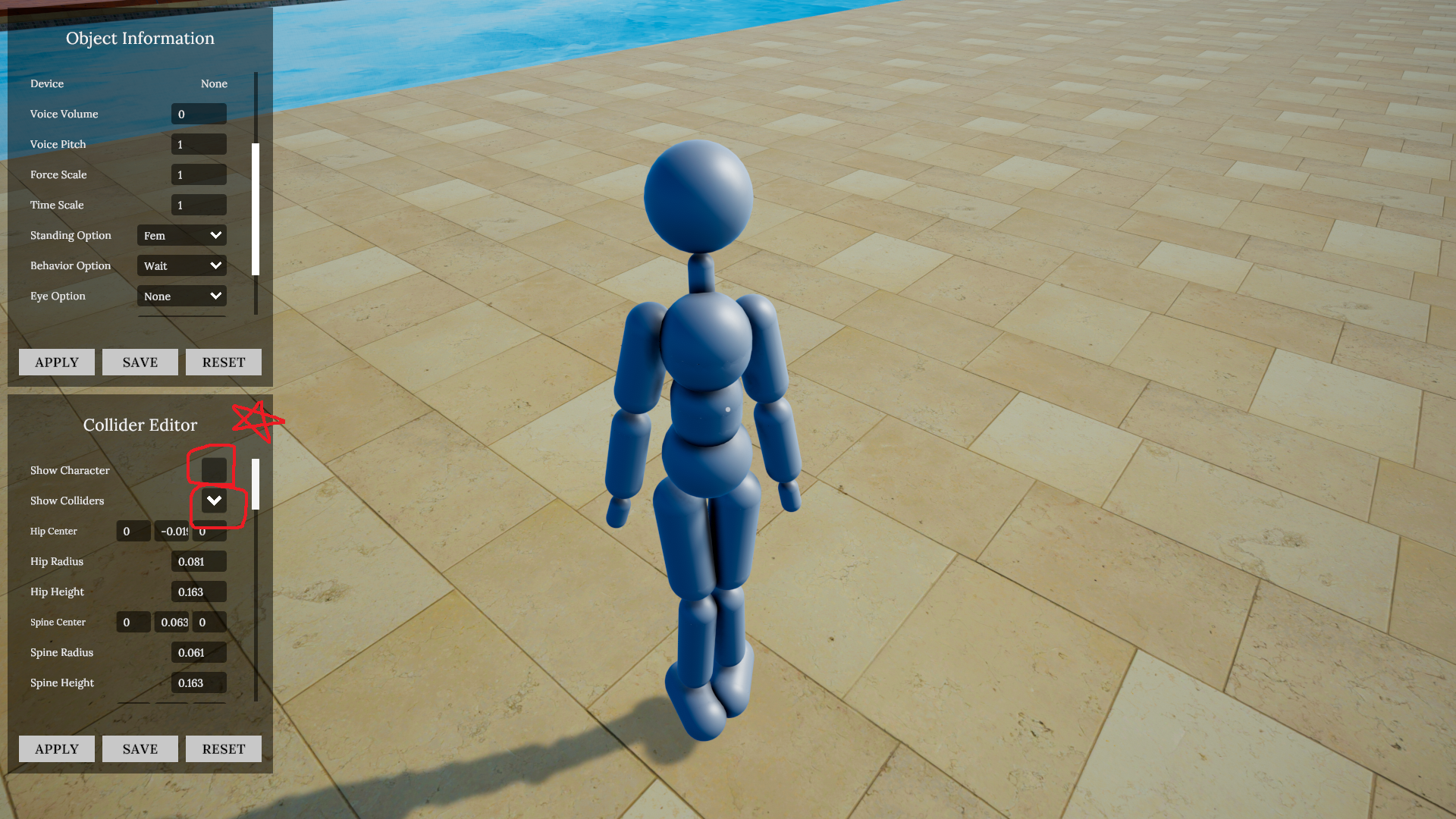
1. Select a character, check "Show Collider" and uncheck "Show Character" to visually check only the character's collision. If you want, you can check both of them and compare them in real time.
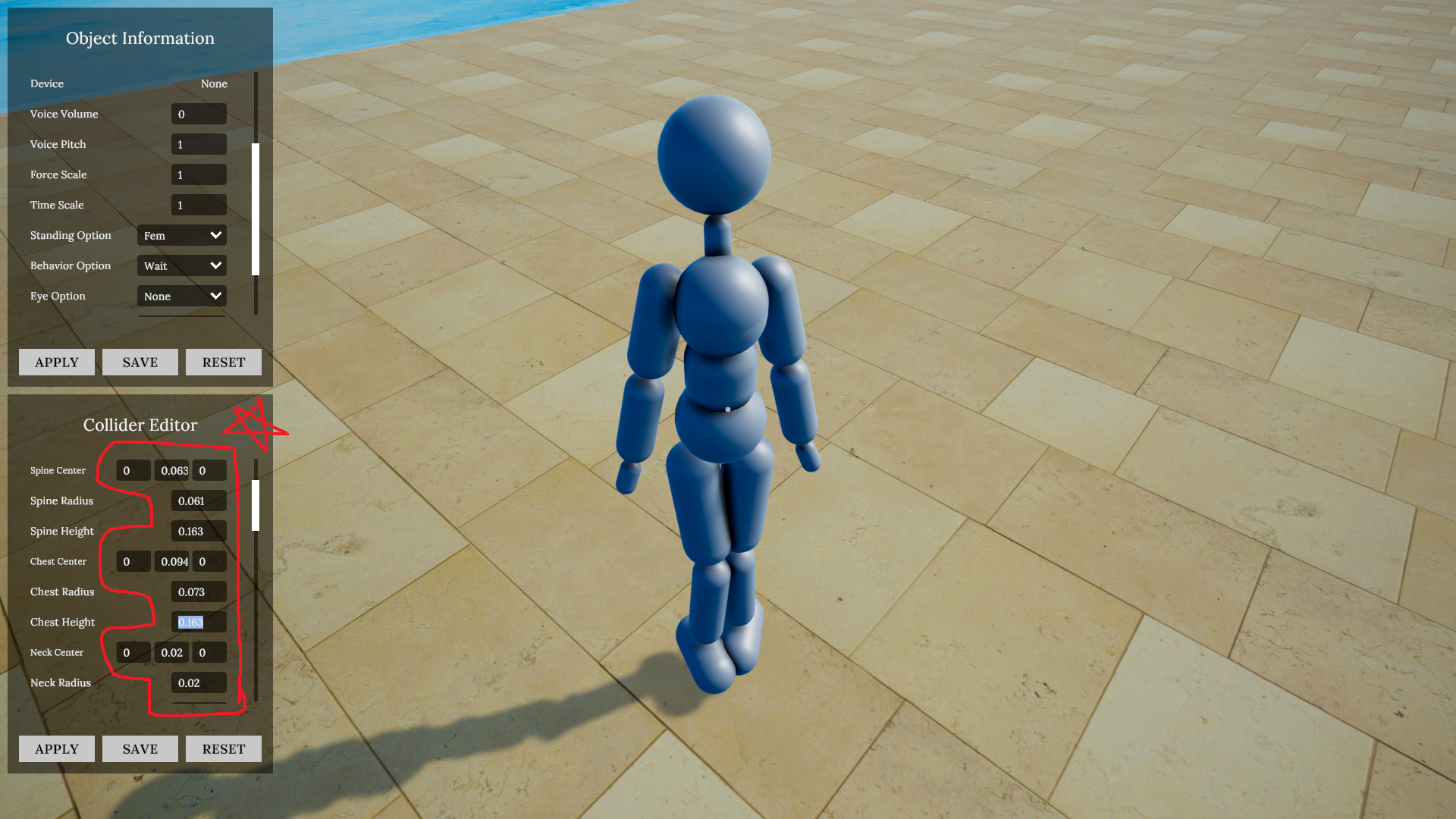
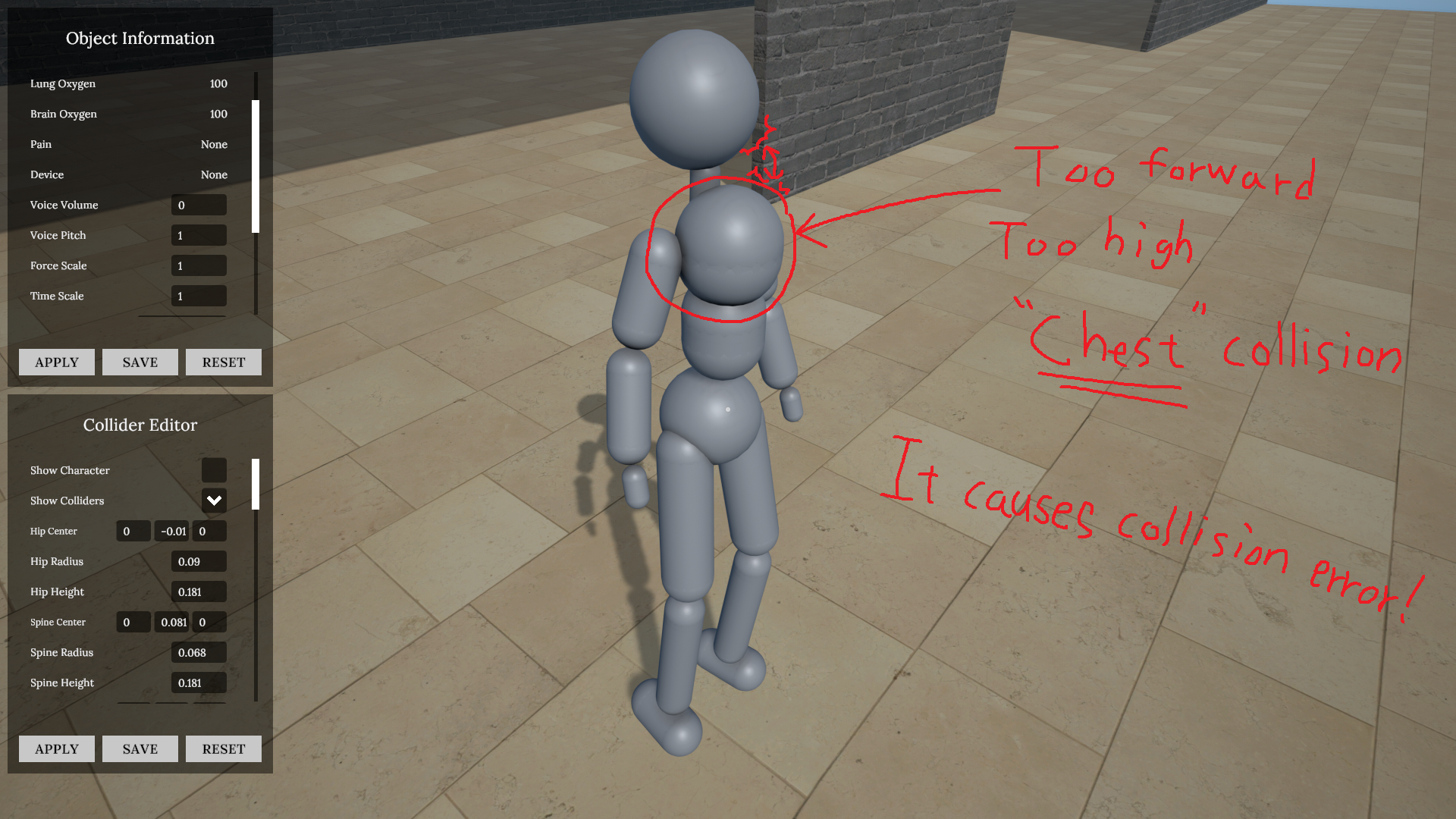
2. Modify the collision values as desired. The most common problem is that the character flies infinitely in a hanging situation. This is mostly caused by the collision between the "Chest" and "Head". Also, in most cases, you can solve it by reducing the height and size of the "Chest" and slightly adjusting the Z position in the - direction. Even if this is not the case, you can directly check the area where abnormal collisions are likely to occur using "Show Collider".
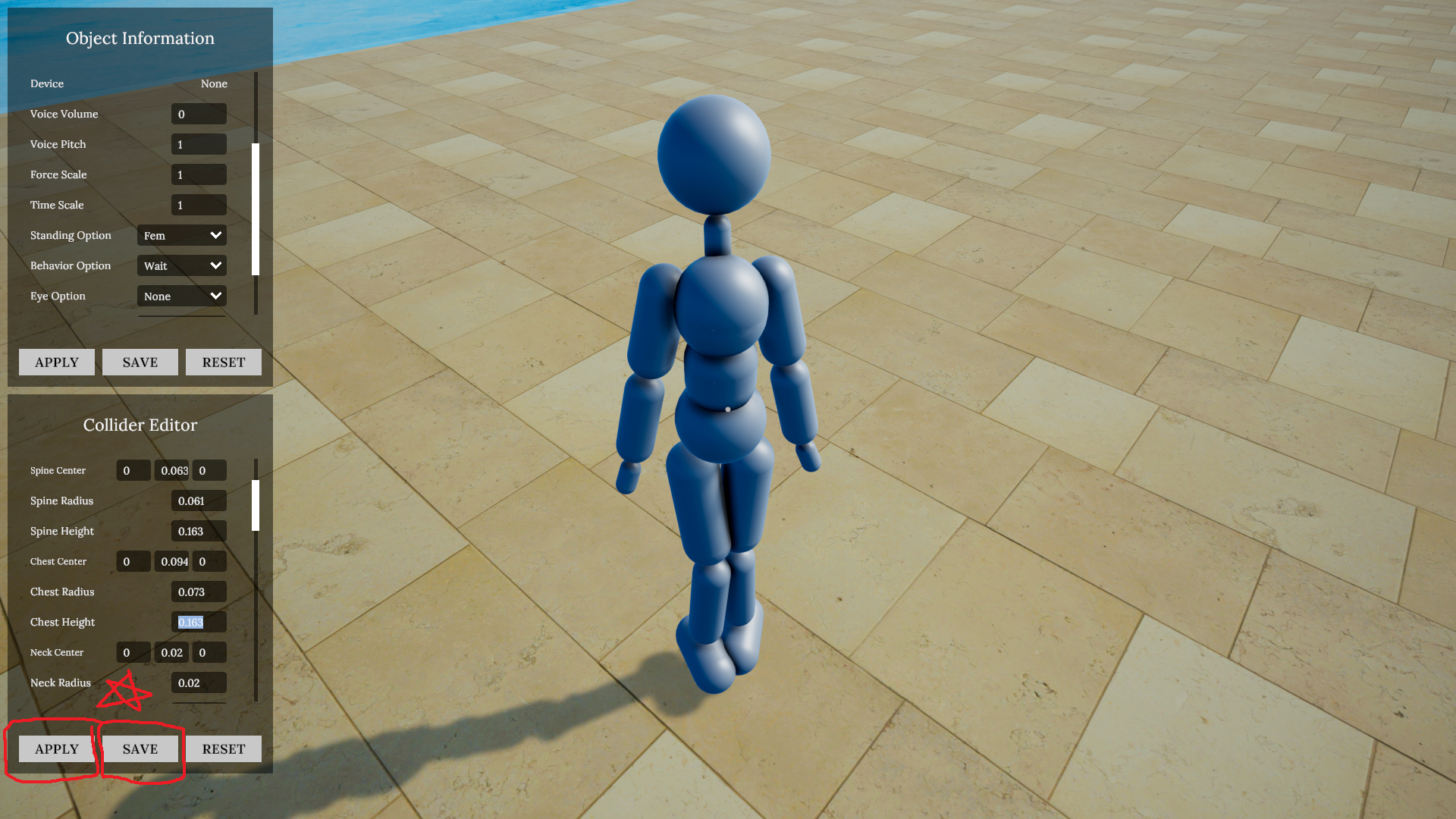
3. After modifying the values, they are not immediately applied to the character. "Apply" The modified values are applied to the character at once. Then, if you press the "Save" button, the collision is saved based on the character's name, and the saved values are automatically applied the next time you create a character with the same name. When you press the "Reset" button, the saved values will be deleted and applied as the initial values when creating a new character.
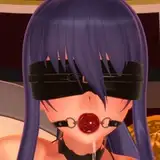
(Examples of the most common collision error concerns that can occur when collision is not adjusted)
For a better gaming experience, if you are importing and using custom models, please check and adjust the collision size and location!
*日本語
キャラクターの衝突調整について難しい方のための簡単なガイドを用意しました。
キャラクターを選択し、「Show Collider」にチェックを入れ、「Show Character」のチェックを外すことで、キャラクターのコリジョンのみを視覚的に確認できます。必要であれば、両方にチェックを入れてリアルタイムで比較することも可能です。
コリジョンの数値を希望通りに調整してください。最もよくある問題は、吊るされた状態でキャラクターが無限に飛んでいってしまう現象です。これは主に「Chest(胸)」と「Head(頭)」の間の衝突によって引き起こされます。また、ほとんどの場合、「Chest」の高さとサイズを小さくし、Z位置をマイナス方向に少しずらすことで解決できます。これ以外の場合でも、「Show Collider」を使用することで異常な衝突が起こりやすい領域を直接確認できます。
数値を変更しても、すぐにはキャラクターに反映されません。「Apply」ボタンを押すことで、変更された数値がキャラクターに一括適用されます。その後、「Save」ボタンを押すと、コリジョン情報がキャラクターの名前に基づいて保存され、次回同じ名前のキャラクターを生成する際に自動的に適用されます。「Reset」ボタンを押すと、保存された数値が削除され、新しいキャラクターを生成する際は初期値が適用されます。
(コリジョンが調整されていないときに発生する最も一般的なエラーの例)
より良いゲーム体験のために、カスタムモデルを読み込んで使用する場合は、コリジョンのサイズと位置を必ず確認・調整してください!
*中文
对于那些在调整角色碰撞时遇到困难的人,这里有一个快速指南。
选择一个角色,勾选“Show Collider”并取消勾选“Show Character”,即可仅可视化角色的碰撞体。如果需要,也可以同时勾选两者,实时进行比较。
根据需要修改碰撞体参数。最常见的问题是在吊挂状态下角色无限飞走。这通常是由“Chest(胸部)”和“Head(头部)”之间的碰撞引起的。在大多数情况下,通过减小“Chest”的高度与体积,并将Z轴位置略微向负方向调整,即可解决问题。即使不是这种情况,也可以通过“Show Collider”直接检查容易发生异常碰撞的区域。
修改数值后,并不会立即应用到角色身上。按下“Apply”按钮后,修改的数值将一次性应用到角色。然后点击“Save”按钮,碰撞体参数将根据角色名称保存;下次生成同名角色时将自动应用保存的参数。按下“Reset”按钮后,保存的数据将被删除,生成新角色时将使用初始默认值。
(未调整碰撞体时最常见的碰撞错误示例)
为了更好的游戏体验,如果你导入并使用自定义模型,请务必检查并调整碰撞体的大小与位置!
HangingDream
2025-07-12 23:19:37 +0000 UTCHangingDream
2025-07-12 23:18:21 +0000 UTCckneidne
2025-07-12 07:40:13 +0000 UTC