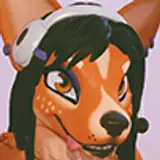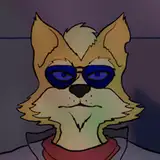
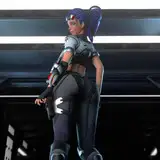
I shade my characters by blurring the 3d model layer and placing it in Overlay mode over the 2d artwork. If two characters have starkly different lighting and are right next to each other, the blurring of their models causes their lighting effects to "bleed" over onto one another, making the effects inaccurate.
Long story short, cryptomattes turn different pieces of a single render into separate, individual masks, making it easier to edit specific pieces of one layer in the Compositor.
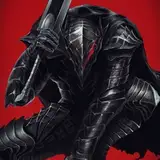
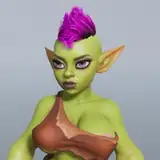
Did some crazy sharp-contrast lighting tests to make sure it works, just in case there are actual sharply lit scenes like this in the future.
Kell Skriver
2021-11-01 15:26:58 +0000 UTC
























![[チーム]アップルパイ](https://saketami.com/istorage/54636.jpg)