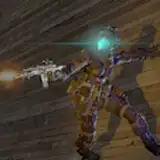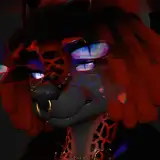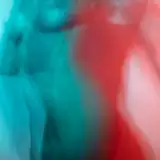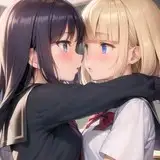
Simple pattern set to kick off the new resources tier!
⚡A .PAT file for photoshop, containing five different style patterns, so you can install it and use them through the photoshop pattern system. All patterns have no background.
⚡A set of five large .PSD canvases with the pattern already on, so you can just copy them and slap them onto your project, in either PS or CSP (4000x4000px, 300dpi)
⚡A separate .PSD files with the original pattern, in case you want to modify the colors or pattern in any way. 500x500px, 300dpi.
⚡Open PS, click the bucket tool.
⚡Choose 'pattern' instead of 'foreground'
⚡On the upper right corner, click the ⚙ icon, then 'load pattern'
⚡Load the downloaded .PAT file.
⚡Always set the pattern on a different layer from your background.
⚡Try out different layer styles in order to fit your final image better (personally I use vivid light, screen and overlay the most on PS, exp. color and light on CSP)
⚡Alter the color balance, use clipping masks and add gradients onto the pattern for better final results.