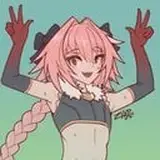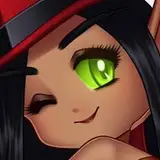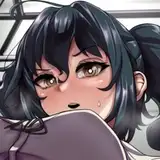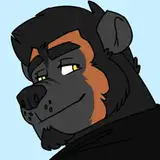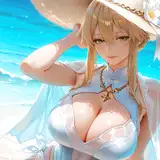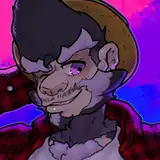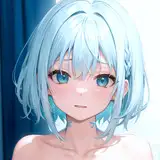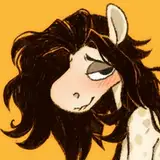
Attatched below are a few .psd files of my art! This kind of thing is super interesting to me so I figured you guys might like taking a look at all my layers individually.
A lot of the .psd files I have as of today(09/30) don't have all of the sketch layers intact, but for future pieces I will try to keep those layers in the files so you can get a peek of them. I usually do like 2-3 layers of sketches before I start the lineart. The first will be a super rough sketch, the second a bit more refined, and the third more refined than that. Then after I'm done with the lineart I'll go back to that 3rd refined sketch layer and erase around it so that it matches up with the lineart I drew. I also always set my sketch and lineart layers to multiply. because it helps the lines look good against whatever color happens to be under them. Hopefully that makes sense but if it doesn't try turning off and on the sketch layer to see what a difference it makes! I think it adds a lot of dimension, and I also use it to add some minimal shading.
Another thing you might notice is that layer of glowiness around the lines. To get that effect I duplicate my lineart layer, change the color to something warm like a peach or pink(whatever goes with the piece), gaussian blur it with a radius of 9-10 pixels, set the layer to multiply, and then set it to around 50% opacity. This is another technique I love using because it adds a softness to the art. I think some people also use this when trying to recreate that old VHS Don Bluth-ish look. Lemme know if I'm wrong about that. Also let me know if you like hearing me talk about my work like this! I can add some more info and tips in future posts :D
-Snack