July Update
Added 2021-07-05 13:50:03 +0000 UTC
Hi folks, welcome to all of the new patrons and thank you to all of the patrons who continue to support our project. We've got two updates - one art release and a builder update.
This month... we're doing desert art! We had a request on the Discord channel for Indiana Jones themed artwork and decided to dive head first into it. This art drop is one of two that will be coming out this month for this theme. Included in the drop are tombs, clay pots, sandstone rocks, desert plants, magical lamps, bones, and a brand new sand floor texture.
This art will be automatically added to the builder this morning - so no need to wait around to try it out.
In the next release, expect to see some new wall styles to go with the sand floor texture!
Here's what's new for the builder:
- Dashboard: We replaced the table for map management with a new dashboard, which shows thumbnails of your maps, and you can now add edit and add rich text descriptions to your maps
- Grid settings: You can now change the size of the grid (measured in “feet”) to allow more fine tuned placement of walls and floors. The available options are (5ft, 2.5ft, 1ft, and 0.5ft)
- Grid settings: You can now toggle the grid on or off
- Grid: The grid now uses dashed lines to improve the aesthetic of the canvas and to improve visuals when zoomed out
- In the Object tool, you can now rotate objects by clicking and dragging with left mouse button
- In the Select tool, you can now rotate objects by clicking and dragging with the right mouse button (left mouse is reserved for moving the object)
- Added a “Go To Library” button on the editor. This button can be accessed by pressing the hamburger button on the top right of the screen and will bring you back to your map library.
Bug fixes:
- Selecting a tool now highlights the active tool on the UI
- Selecting an image now highlights the selected image on the UI
- Selected images now appear correctly in the top left of the UI (image icon)
- The first image for a tool is now selected automatically when changing tools
- Added a loading screen when opening a map to prevent errors when clicking during loading
- Fixed a bug that would occur when clicking and dragging out of bounds
- Fixed a bug where the texture cache was not being emptied when returning to the dashboard (this should reduce memory usage)
- Fixed a bug where grid lines would occasionally appear in map exports
- Fixed a bug where layers would break after exporting a map
- Fixed a bug where selected objects would move after deselect when not moved
- Fixed a bug where selected objects would disappear if you switch tools before deselecting the objects
- Fixed a bug where scaled objects wouldn’t preserve size after multiselect
- Fixed a bug where object position, rotation, and scaling weren’t saving correctly after multiselect.
Misc:
- Added Privacy Policy and Terms of Service
- Improved the home page (this will soon be the location for the changelog and have links to other resources we are working on)
Note, this change log includes changes that you may have already noticed, as we did a silent update about 2 weeks ago.
Up next, we'll be working on:
Stair tool
The stair tool will allow fine tuned placement of stairs, and will automatically place their upper/lower floor counterparts on the above / below layers.
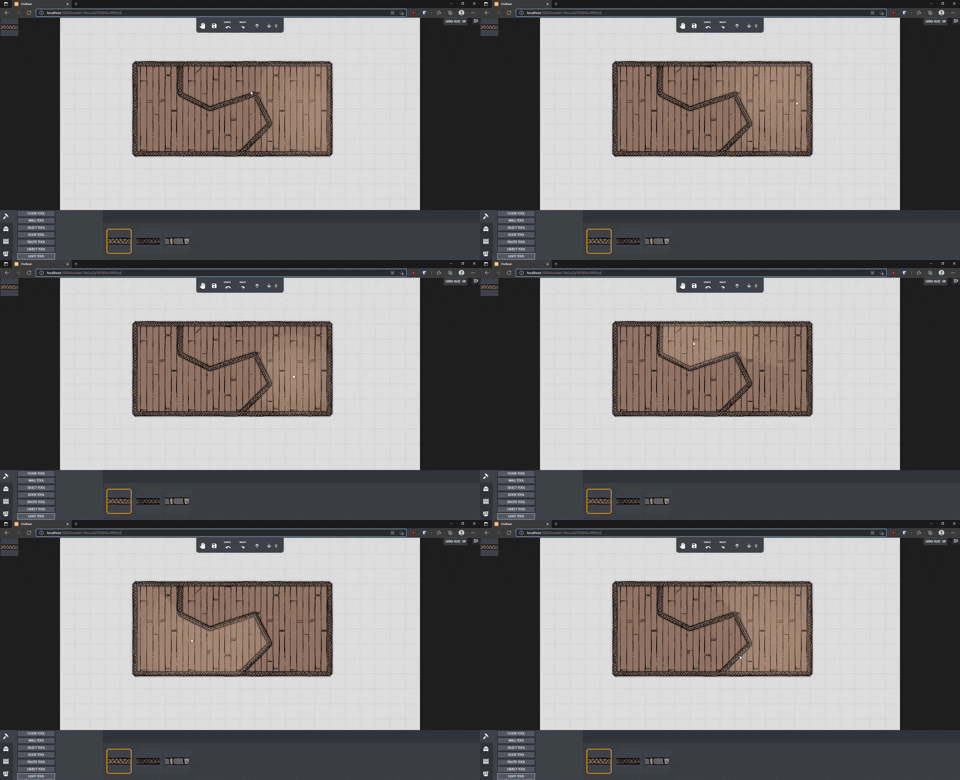
Lighting tool
We have made significant progress on a lighting tool which will allow dynamic lights to be placed.
(Here is a sneak peek) - https://media.giphy.com/media/EBkmLxlaUKygMHSFbw/giphy.gif
Bug Fixes
We have identified (with your help) bugs with the undo/redo functionality, floor tool, and wall tools.
Thanks again to all of our patrons, your support means the world to us!
JL & Ant