Release 5: "Reclusive Scrivener"
Added 2018-12-09 12:45:00 +0000 UTCTook a break and had a baby. Still not sleeping but back with a vengeance.
Quick News
Alpha 5 is Released: Go. Use it.
Google Drive integration is here! It's now possible to create (and share) some pretty ambitious games now, and all your images and data stay under your control. I'm going to integrate deeply with Drive while I build out all the core features and get to the Beta period. Alternative storage services will come later.
Discord membership is open. The Discord server is currently open for free. Please, if you're using Paperize and need help, (or you just want to talk shop about game design,) join the community and ask! It will stay open at least until the end of the Alpha period.
YouTube Live-Streaming: I'm getting serious about sharing everything about Paperize. So I've started broadcasting my screen to the Paperize Channel on YouTube as I sketch, design, and hack. In fact, I just did a rendition of Love Letter (with fine art paintings for the characters!) in the new alpha, which you can see here if you'd rather watch how the new features work.
Please consider subscribing to the channel and liking some of the videos there, it really helps a young channel get started.
(PS: I just love how the cards came out during the Love Letter demo!)

::ahem:: ok let's do a release...
Release Info
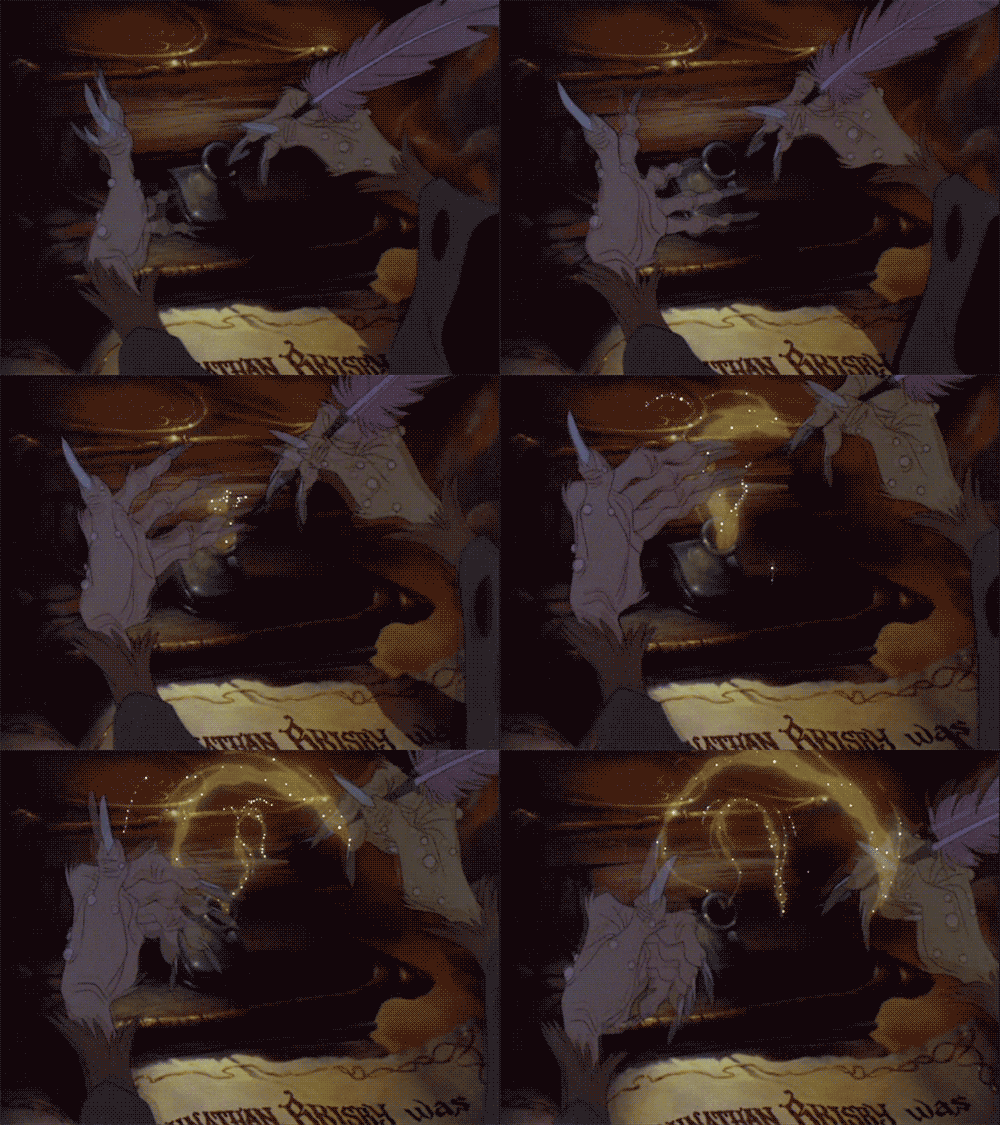
Release Name: "Reclusive Scrivener"
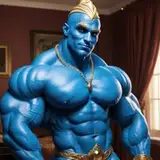
This is to symbolize me disappearing and working hard for awhile. (Bonus points if you know the movie that animation is from!)
Release Series: Alpha 5
In software, Alpha releases are know to be buggy, have a low standard of usability, and have core features missing. Enjoy!
New Feature Overview:
- Google Drive integration
- all new look using another Patreon project: Vuetify!
- new Shape options: circles, ellipses, rounded rectangles
- option to use inches, pixels, and millimeters in dimensions
- more stability due to some sub-system rewrites
- new bugs due to some sub-system rewrites
I think most of that stuff is self-explanatory, except...
Google Drive
I need your thoughts on this feature, I'm worried it's a bit... heavy-handed.
It makes for a fantastic workflow, though: games still get made super-fast (ever the goal with Paperize), but now your files are easier to organize and they share (and scale) to your collaborators (or to everyone) using the existing Google Drive sharing model. Heck, it's possible you already have this set up!
Anyway, here's the salient bits of this feature:
Intense Permissions: The big negative is I'm asking permission to manage your files before you can use Paperize. You give the app permission to modify all your files, which includes moving, renaming, and deleting. It's a lot of trust!

I hope to de-escalate the permissions to just allow me access to a single folder (the "working directory" mentioned next), but I haven't achieved that yet.
The "working directory" and the "database file": When you first log into Alpha 5, Paperize is going to look for a folder in your Google Drive named "Paperize.io". If it doesn't find one, it will create one. Next, it looks for a file named "paperize_database.json" inside that folder. If it doesn't find one, it will create one.

The folder is your working directory. It's where you'll keep all of your game assets, like spreadsheets, fonts, images, instruction manual stuff, what-have-you. I want Paperize to be able to focus on just this folder, not your entire Drive.
Inside your working directory is also where you keep your database file, the most important thing. Since Paperize is serverless, I can't (don't want to) keep your data for you between browsers and devices and things, like normal web apps do. ("Normal" web apps also spy on you, track you, and sell you. Paperize does not.) Instead, I'm letting you use your Drive to serve this purpose, and the contents of the paperize_database.json file are it.
Image Resource Folders: When you want to insert an image into your game, Paperize needs to know where to look. Use the Drive. Now you simply specify a Drive folder (by pasting a link into the Image Library) and Paperize will search all the image files there whenever you need an image in your game.
Game Folders: Paperize can (optionally) create a folder for each game, helping you organize your files.
Component Folders: Each component in a game gets a sub-folder inside that game's folder. It also gets an "Images" folder placed inside it. This folder is automatically added to your Image Library, so you can start dropping images in there immediately.

I'm going to keep adding usability and automation features into this integration and see where it leads. Also, if we're happy with the "working directory" idea and keeping everything Paperize needs under that directory, I can downgrade the permissions to something sane!
Ok I'm done.
Your Moment of Zen

Comments
Ah, great question Vladislav! Would you mind creating a google sheet that contains these characters, sharing it publicly, and linking it here? (You can also PM me if you like.) At first glance I am worried that PDF just doesn’t support those characters, but that seems crazy. Perhaps (hopefully!) I am destroying the encoding in the JavaScript layer... I am on vacation until the 6th, so look for some movement on this closer to next weekend.
2019-02-03 13:56:51 +0000 UTCThis looks amazing! but I have a problem with encoding - Paperize doesn't support all characters like ščřž so it's little bit useless for me. Please, can you fix this?
2019-02-03 10:57:35 +0000 UTCAwesome! I’ve hit a couple of snags as I keep using it and I’m preparing a patch that will go out in the next couple of days. So definitely report anything weird you see (please) as I’m sure there’s more.
2018-12-11 01:41:53 +0000 UTCThis looks so good. The GDrive integration is working great for me so far, and I rebuilt a pre-existing sheet/set of images in <5 minutes.
Tim Rodriguez
2018-12-11 01:38:40 +0000 UTC















![[takeostudios]](https://saketami.com/istorage/106010.jpg)