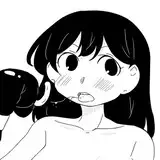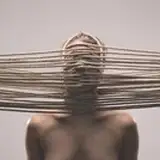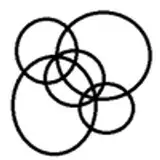
Introducing the ultimate pencil pack for Clip Studio Paint! This free resource, created by an expert artist, features a variety of pencils with different lead hardness levels - 8B, 5B, HB, 2H, and 6H. These pencils will give you the ability to create rich and detailed sketches, drawings and illustrations with ease. And the best part is that it's completely free to use! While donations are welcome, it's not required to use the pencil pack. So, download now and elevate your digital art game.
How do I import SUT brushes into Clip Studio Paint?
Importing a material from the palette menu