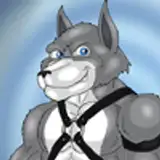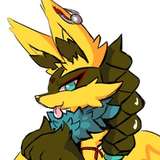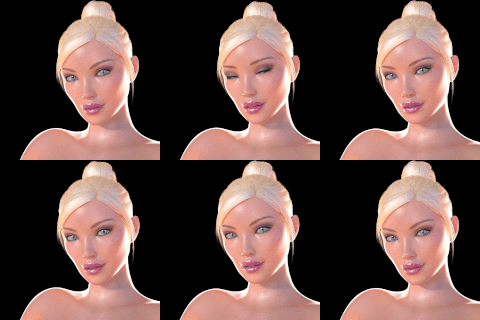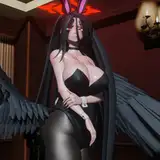
Features.
REQUIRES: VRchat creator companion, Poiyomi shader and VRCFury
(Recommended to set up packages through VRchat creative companion)
Zeachys Avatar WorldX / TwitterBlueSkyLinkTreeYou may:
you may not:
Contact me for help:
You may:
Edit the Asset for personal use.
Make public/cloneable versions of the model in VRChat.
Use this model for personal VTubing or Streaming.
Sell/commission custom textures for the model as long as you and the third party in question both legally own the product.
you may not:
Use this Asset for commercial purposes.
Use this Asset in advertising or games without explicit permission from (Zeachy).
Redistribute or sell/commission any part of the assets included (modified or otherwise) to a third party UNLESS you and the third party both legally own the product.
Use for any NFT, crypto, or AI dataset training purposes
🗒️ Curated packages can be installed from the VCC App into your project.
🗒️ Community packages can be added to the VCC App using the links provided, then install into your project.
Unity:
Unity 2022.3.22f1
VRChat SDK 3.7.5
VRCFury 1.1163.0 - Add VRCFury to VCC
Poiyomi Toon Shader 9.0.* - Add Poiyomi Toon Shader to VCC
Substance painting:
Mayu you help

You might find that your expressions aren't working ,
(The mask is made with face tracking in mind. It enables it and disables it when taking it on and off. Face tracking disables Facial expressions)
HOW TO FIX:
Take off the face tracking prefab
Under the radial menu body control / face tracking There is a button called disable facial expressions uncheck that