Hey everyone! Here is the very beginning of part 5 of the bug museum, the lab room area. As you can see, the proportions will need to be adjusted to be taller for certain items (the stool, the counters, for example). It is the same procedure as with all "location" sets, all items are part of a large structure. I will be liberating the pieces one by one, and making new image textures for them, as the clutter items and other are usually part of a very large image file that covers multiple items.
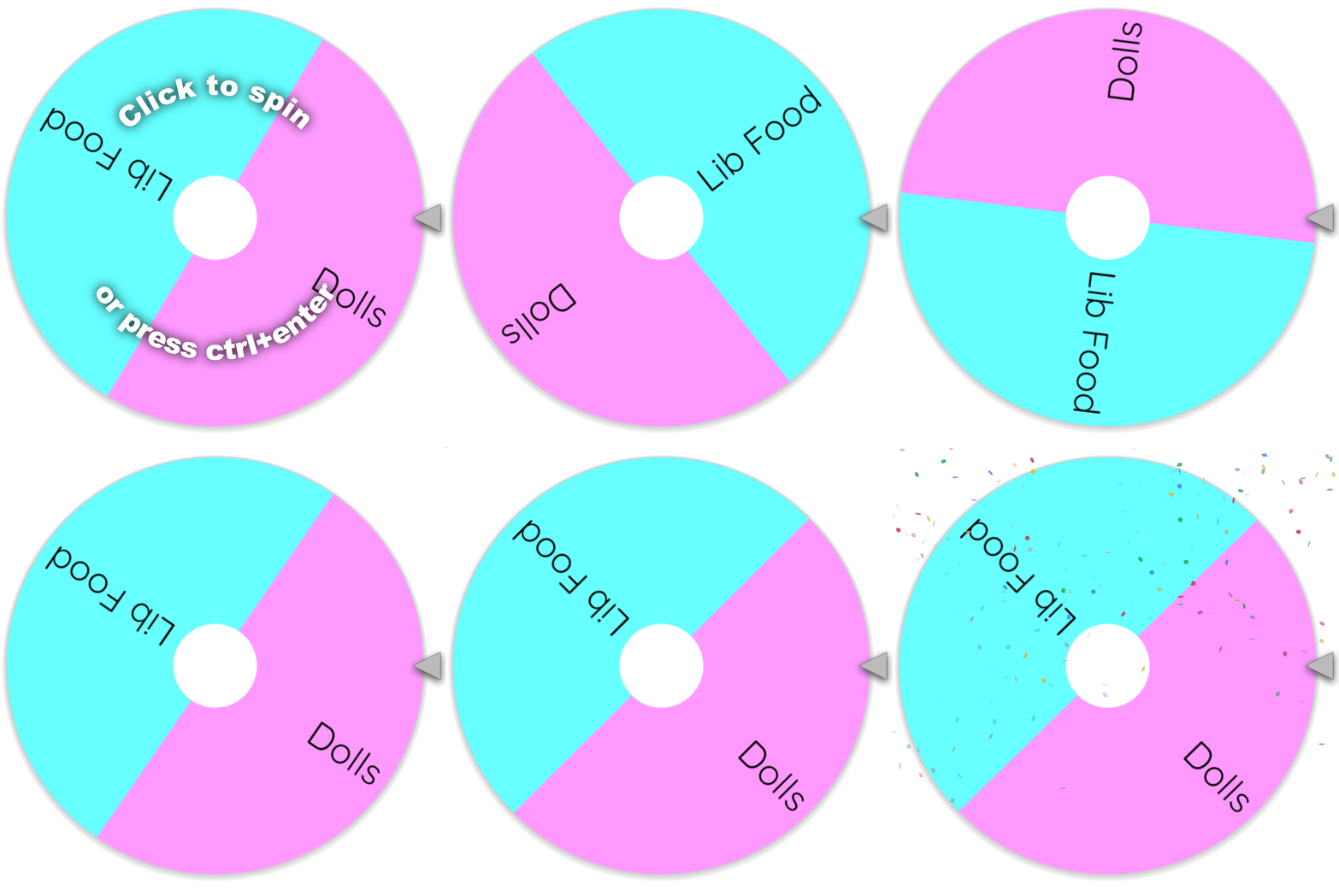
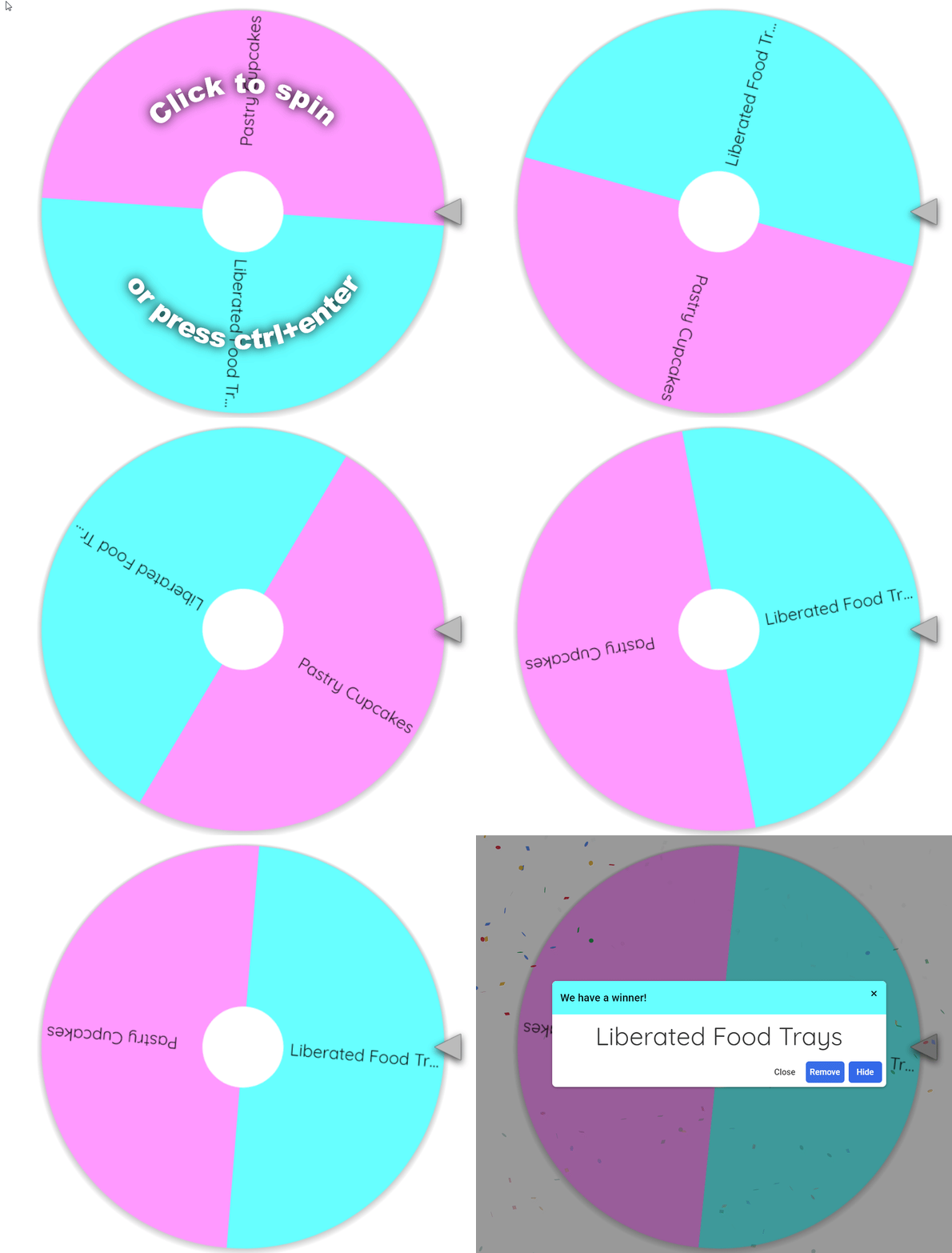
I also ran the tied options through the Wheel of Names, I did it for the last poll and forgot to post it, so I wanted to get that result posted now so I don't forget! The second set after this one is done will be the dolls, then more liberated food items.
Update (Sunday night/Monday morning):
I've been working on our set for the last few hours, with the meshes edited to look normal next to sims, since the original items are made for short little chibi-style characters. Here are 2 counter items (corner and right side), cabinets, the light that goes under the cabinets, and the walls. I've made the counters taller, and the handles larger. The surfaces have lots of slots. & the right side counter has a sink, so I made it functional. The seamless windows that I have used in the preview are the Ava Windows by Mincsims. Heads up that this download is unfortunately on TSR, which I don't jump to share links to due to all of their ads and overall history, but seamless windows are quite hard to find.
I will be adjusting the mesh on the cabinets a little more, they are jutting out a little into the window, and it can look better than that. The mapping on the light is also doing the thing where it looks how it's supposed to in Sims 4 Studio and Blender, but looks totally off in game, but that is also fixable. *Just a sidenote, my updates may be at weird times as I've had a flare-up today/tonight. (It's around midnight in the USA, and 6 AM for me) But don't worry, everything is still coming along and will all get done 💗
Update (Tuesday early afternoon):
Sorry for the delay, everyone. I mentioned in my previous note about a current flare-up I'm experiencing due to my chronic illness. It started on Sunday evening and kept getting worse. I saw my doctor yesterday and was given a very strong pain medicine, and it isn't working. So I am doing my best to deal with this, waiting for it to ease up like it always does after a few days. But it is taking all of my attention, I'm unable to focus on anything, I've just been mostly lying down. Please don't worry though, it's just a small delay. I will be back to making items for our current set as soon as this just eases up a bit to where I can pay attention to what I'm doing. And all other CC will be made as planned. I thank you from the bottom of my heart for understanding & your patience, and for being here! 💗💗💗
Update (Friday late night/early morning):
I finally was able to get back on track with our set very late tonight, thank you so much for your patience while I tried to get better, I can't tell you how glad I am to be back. Here is the light with fixed mapping, I also forgot to mention, this light is made the same way as the triple lights from the last bug set. They are at a certain height, and will line up exactly with the height of the cabinets. If they are height adjusted with the 0-9 keys, they will still match up. I also fixed the size on the cabinets from front to back, so that the front isn't invading the frame of the window, and the back part isn't going into the wall.
Update (Saturday morning):
Made the stool item, it is a functional seat. I added a couple more swatches for the top of the seat.
Update (Saturday morning):
Added the wall pipe, "floor" lamp (it actually just has a wire that goes behind the wall/cabinet, and can be lined up to look like it is clipped to the screen. Made the screen and the info sign.
Update (Saturday evening):
Adjusted the size of the screen, lamp, and the height of the pole on the info sign. Added the first of the glass bug cages: the end one for the mosquito. It had a missing back glass piece, since it is only meant to be seen from the front in ACNH, so I added that on to the cage.
Update (Saturday night):
Readjusted the size that the glass cages will be, they were just a little too big. Made the cage for the fleas, and the paper kite butterfly cage. The whole big building mesh didn't have the actual butterfly in there, so I added it. These cages all had parts that needed to be added onto the glass so that they have glass on the back too. New bump and specular maps for all, as usual! The flea cage has slots for the top portion, like in ACNH. As you can see above, the slotting on this counter needs to be adjusted a little bit to the right so I will also be doing that. Also added the rubber flooring.
Update (Saturday night):
Added the mosquito, flea, and fly, and the fly cage. I went with the more cartoonish, larger versions of the insects so that you can actually see them, but they can me resized in game with the keyboard resize cheat if you wish!
Update (Saturday night around 3 AM):
Added the glowing DNA object & added some extra swatches.
Update (5:30 Sunday morning):
Added the papers, deco computer #1, containers, microscope, and cup of coffee (has 2 versions: steam & no steam).
Update (Sunday morning):
Added the second set of containers, the second computer, the fly swatter, the spray bottle trio, and the tissue box. In my own game I have been arranging some of the clutter with bb.moveobjects instead of using the slots. While it does have many slots (and I will be adding more) it is easier to get the clutter exactly where desired with bb.moveobjects on. I just have a couple more little items to make for this side of the room, and will be able to move on to the clutter from the other counter (the sink counter). So far we have 30 items.
Update (Sunday morning):
Added the last 2 items for the left side: the mortar and pestle, and the petri dish. This is a good place for me to take a pause so I can get some rest. I will be back to making the right side clutter later today. I hope everyone is having a lovely weekend! 💗
Update (Sunday night/Monday morning):
I realized I didn't add the electrical outlet for the left side, so I added that. It is made the same way as the outlet for part 4, it won't snap to the wall, it is at the height it needs to be for the corner area, bb.moveobjects on to move exactly where you want it. Moving on to the right side counter clutter 🧪
Update (very early Monday morning):
Added the experiment set in 2 versions, one has steam coming from the flask, the other is without steam. second swatch added for brighter liquid in the flask.
Update (Monday morning):
Added the box of jars/bottles, 3 bottles in a cluster, and the test tubes in the wooden holder.
Update (Monday early afternoon):
Here is the bottom shelf portion of the items finished. I am almost done with this set, but I need to lie down before I can come back to it. My next session of making will be the rest of the items (it looks like it's 6 items). Then I will be getting the preview images for the post. Above you can see the beaker, scale, container, and the test tubes have been edited to fix the glass. 41 items so far! 💗
Update (late Monday night):
I've been working on the remainder of the items, here is everything for the middle shelf of this counter. I decided that I'm doing to add single versions of each type of little container, and the spray from the left side. What is left now are the top of the unit's items: the little plant, and the wooden bug cage. Almost done! Can't wait to post 😃
Update (very early Tuesday morning):
Okay! I added the items for the top shelf. The wooden bug cage needed some tweaking, but I got it working properly. I also made the single versions of all of the "jar" items (they are bottles, jars, and a cup with a cloth over it secured with a rubber band, and a spray bottle). Lots of the items in this set have extra swatches added by me, new bump and specular maps, and new image textures taken from the hugehuge original texture that has the image for a large number of items, to optimize the file sizes. I'm just working on getting pictures for the post!