Umbra makes switching to Dark Mode simple. Option click the Umbra icon in the Menu Bar or use the Umbra menu item to toggle your system appearance.
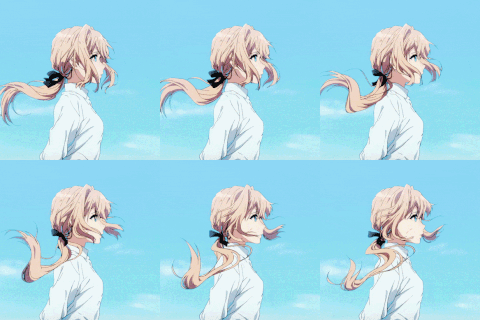
Umbra allows you to choose a wallpaper for both light and dark modes, and it'll make sure your choices stay in sync. When you change the system appearance, your wallpaper changes too.
Browse collections of stunning photos from Unsplash right in Umbra, then preview and set them as wallpapers for light and dark modes.