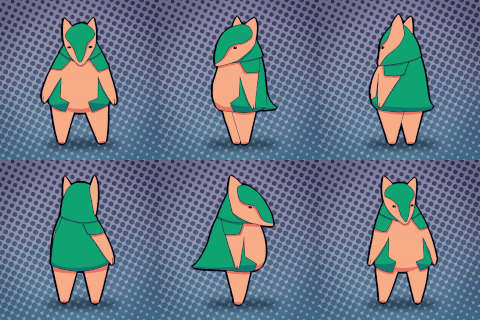
Now I have to trace it to have a file to work with...
I think, since all information is in one folder, when I created a new version based on the same file, the drawings I deleted on the new version were also deleted on the old one... tbh, I don't know what I did to fuck things this bad...
I guess I'll have to make a couple of test projects to discover what I shouldn't do when making versions of projects instead of straight up making new blank projects.
UPDATE: I discovered what I did... On Toonboom every drawing gets saved in a library on a specific layer. What I did is create an identical version of the file to start the other doggy animation, but instead of deleting the layer I was working on, I deleted the drawings from the root (Using the delete key only deletes the frame but the drawing is still in the library) And since I kept the same layer but deep deleted the drawing info, I basically replaced the old drawings with new ones.
So, I can delete layers without consequences, but I can't delete the drawings on a layer that shares the same info in both versions...
For example I have a layer called "Layer 1" and make 5 drawings in it, that creates a folder with those drawings. Then I make a version of that file, what I can do is delete that "Layer 1" and make another "Layer 1" on the surface they are called the same, but the software treats it as a completely new layer.
I know it sounds confusing... the important thing is that I understood how I fucked up and externalizing it like this helps me to keep that knowledge...
Michael Blue
2024-11-13 05:36:13 +0000 UTCMichael Blue
2024-11-13 05:35:07 +0000 UTCAzure_Orchid8
2024-11-13 05:35:05 +0000 UTC