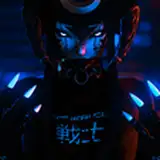
今日試したことは2つ
・Unityのアニメーション作成アセット「Slate」の試用
・Davinci resolveでの青カブリ追加テスト
Two things I tried today.
Trial of Slate, an animation creation asset in Unity.
Tested the addition of blue fogging in Davinci resolve.
まずは、FinalIKでのオブジェクト間のコンストレイント設定を目論んで、Slateを導入してみた。
First, I installed Slate with a plan to set up constrains between objects in FinalIK.
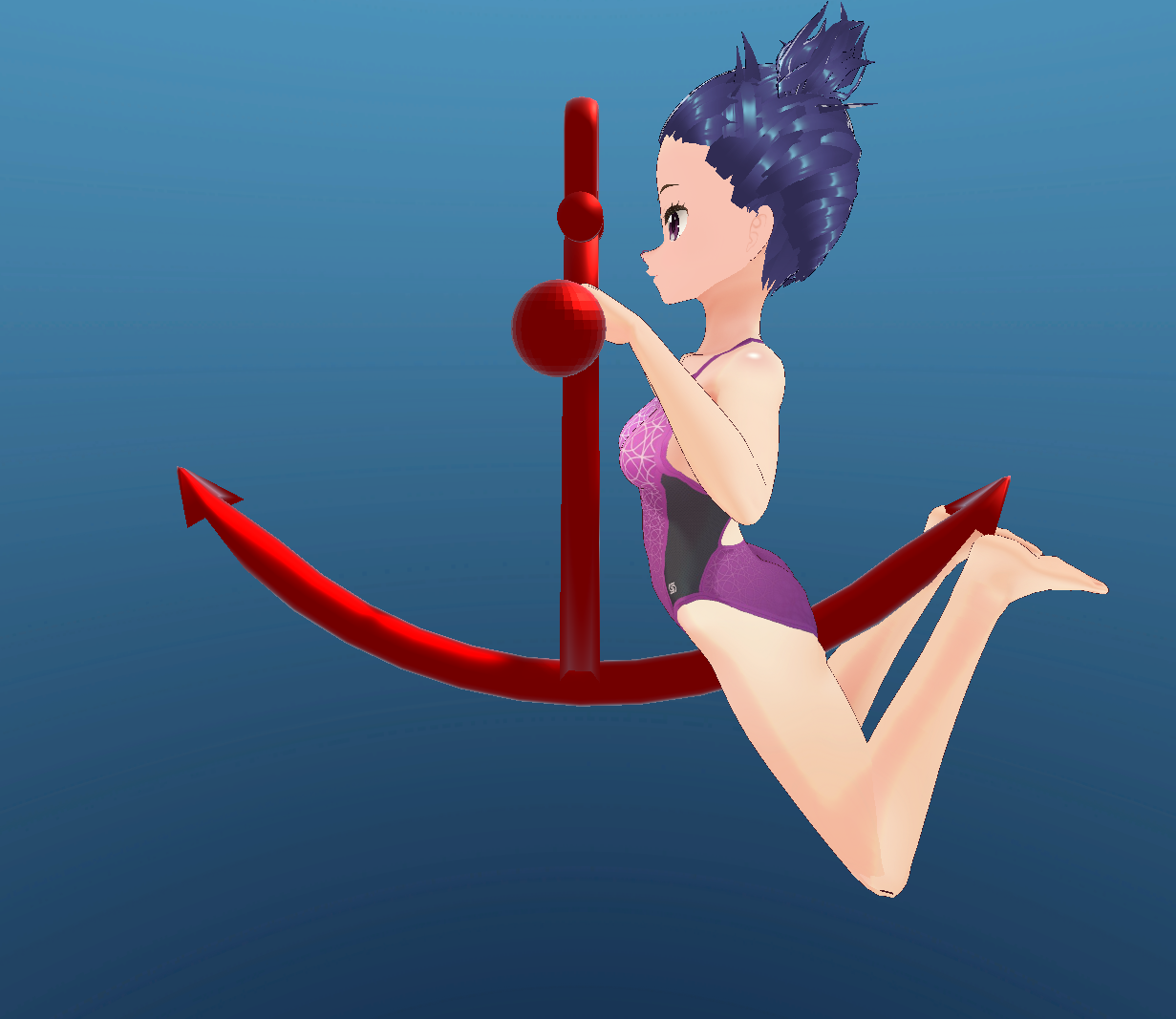
背景はSphereにグラデーションマテリアルを設定し、その中にキャラクターアバターと錨オブジェクトを配置。
Slateのパス追尾機能で、これのオブジェクトを動かして動きを作り込む。
そうするとunity側ではこんな感じの画が作れる
The background is set to Sphere with a gradient material and the character avatar and anchor object are placed in it.
The Slate path tracking function is used to move these objects and create movement.
Then on the unity side, I can create a scene like this.
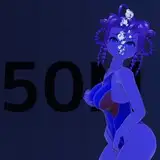
これを動画として書き出したのち、Davinci Resolveで浅めの色べた塗りと、深めの色べた塗りの画像を乗算レイヤーとして重ね、それぞれの画像の乗算不透明度をキーフレーム付きで設定し、0フレームでは浅めの色が重なるように、最終フレームでは深めの色が適切な不透明度で重なるように設定する
After exporting this as a video, the shallow colour solid and deep colour solid images are overlaid as a multiply layer in Davinci Resolve, and the multiply opacity of each image is set with keyframes so that the shallow colour overlaps at frame 0 and the deep colour overlaps at the final frame with the appropriate Set the opacity to overlap at the appropriate opacity.
その結果がこちら
Here's the result.
今のところの課題は
・Slateの設定?の問題で書き出し動画左上にメッセージが出てしまう。
→DirectorGUIアセットの設定をしろと読めるが、どこをどう設定すべきかググっても出てこない
→DirecotorGUIのアセットに「シーンのRootに配置せよ」とあったので配置してみたら治りましたw
・VRM Windを設定したが、これをキーフレーム等でコントロールするようにしないといつまででも一定に髪が揺れるようになるので考察必要
・Davinci Resolve側での青カブリを重ねる際に2枚のレイヤーの書き出しにズレが見られる。画像サイズ・配置位置等再検討
といったところだろう
These are the issues at the moment.
Slate settings are causing a message to appear in the top left hand corner of the exported video.
→I can read that I need to set up the Director GUI assets, but I can't find anything by Googling what I need to set up.
The VRM Wind is set, but if this is not controlled by keyframes, etc., the hair will shake constantly, so it is necessary to consider this.
When overlapping blue shadows on the Davinci Resolve side, there is a discrepancy in the export of the two layers. Need to rethink image size, placement position, etc.