SakeTami
ふじはじめ

ふじはじめ

fanbox


ふじはじめ posts

unity作業再開/UNITY work resumes

ようやく伊織のモーション・表情ができたのでunityに持ってきてパーティクルなど付け始めました。

が、モーション側の問題がいろいろ見えてきたので、また来週からは手戻り作業です。

ひとまず今日の作業でお目にかけられそうなところを支援者限定で公開します。

I finally finished Iori's motion and facial expressions, so I brought them to unity and started adding particles and so on.

However, I've found a lot of problems on the motion side, so I'll be going back to work on it from next week.

For the time being, I'll be releasing the parts of today's work that you can see to the public for supporters only.

movie_020


View Post

WIP

ちょっとunityのパーティクル設定確認しとくかーと思って8日ぶりに立ち上げたら、見事にプロジェクトがぶっ壊れましたとさ。

8日前のバックアップがあってよかった。

その後は伊織モーション作成を進めておりました。あとはイキ顔だけ。

I thought I'd check the particle settings in unity, so I started it up for the first time in 8 days, and the project was destroyed.

I'm glad I had a backup of 8 days ago.

After that, I was working on the Iori motion. All that's left is the cum face.


View Post

blender作業進捗/blender work progress

本日は動き・表情の作業を進めて1800フレームまで作り込めました。

Today, I worked on the movements and facial expressions and was able to build up to 1800 frames.


View Post

伊織モーション作成進捗/Iori motion creation progress

Unityでモーション作ってたら、一つ前のバージョンのアバターでやってたことが判明したので、どうせなら今後を見据えてblenderでやってみるかと挑戦してみた結果になります。 乳ボーンもいじれて良い感じになりました。結果オーライ! When I was making the motion in Unity, it turned out that I was using an earlier version of the avatar, so I decided to try using blender for the future anyway, and this is the result. I was able to tweak the breastbone and it looks good. The result was alright!

View Post

UnityProject復旧?しました/UnityProject restored?

UnityProjectここまで復旧?しました。 AnimeToolBoxモジュールをアップデートしたらPostProcessVolumeノードがぶっこわれたので、そこは新設定したようなものです。 Lightingなんかもいじって色味も変わりました。 サウンドは後日調整します。まずは復旧のご報告ということで UnityProject restored so far? I did. I updated the AnimeToolBox module and the PostProcessVolume node got smashed, so it's like a new setting there. I also tweaked the Lighting and changed the colours. The sound will be adjusted at a later date. First of all, I'd like to report on the recovery.

View Post

支援金使途報告/Report on the use of aid money

予てより、外付けHDDがUSB接続なため時々UnityProjectを保存しているドライブの接続が切断されることがあり、今回のプロジェクト破損の遠因にもなったことから、皆様からいただいた支援金をeSATAポートマルチプライヤーカードの支払に充てたうえで、積み立て貯金を取り崩してHDDが5台入るケースをUSB接続からeSATA接続のものに置き換えようとしています。

PCの安定性を向上させ、今後の作品作りに生かして参りますので、なにとぞご支援よろしくお願いします。

Since the external HDDs are USB-connected, the connection of the drive storing the UnityProject has sometimes been disconnected, which was a distant cause of the damage to the project, so I will use your support to pay for the eSATA port multiplier card and then use the money you have given me to pay for the eSATA port multiplier card, I am going to withdraw my accumulated savings and replace the case that holds five HDDs with one that has an eSATA connection instead of one that has a USB connection.

I would like to improve the stability of my PC and make the most of it for future productions, so please support me.

View Post

UnityProjectがぶっ壊れました/UnityProject has crashed.

新しいメッシュになった雅泳のモーションが完成したのもつかの間。さっそくUnityのAnimeToolBoxプロジェクトに放り込んで動かすぜと思っていたそのとき!Unityがクラッシュしてプロジェクトがぶっ壊れました。バックアップは1ヶ月前のしかなかったため、ここから口からの泡追加とか遠近感出しとか再度やり直しです。もうしばらく気長にお待ちください。

The motion of Masae with the new mesh was completed in a short time. Just as I was about to throw it into the AnimeToolBox project in Unity and get it running, Unity crashed and the project was destroyed. The only backup I had was from a month ago, so I had to start over again from here, adding bubbles from the mouth and adding perspective. Please be patient for a while longer.

View Post

Unityへの移植作業成功/Successful porting work to Unity.

おかげさまでUnityへの移植作業が3人分成功しました。

明日からモーション作成に取りかかりたいと思います。

Thanks to your help, I have successfully ported three characters to Unity.

Tomorrow I will start working on the motion creation.


View Post

Unityへの移植作業/Porting work to Unity

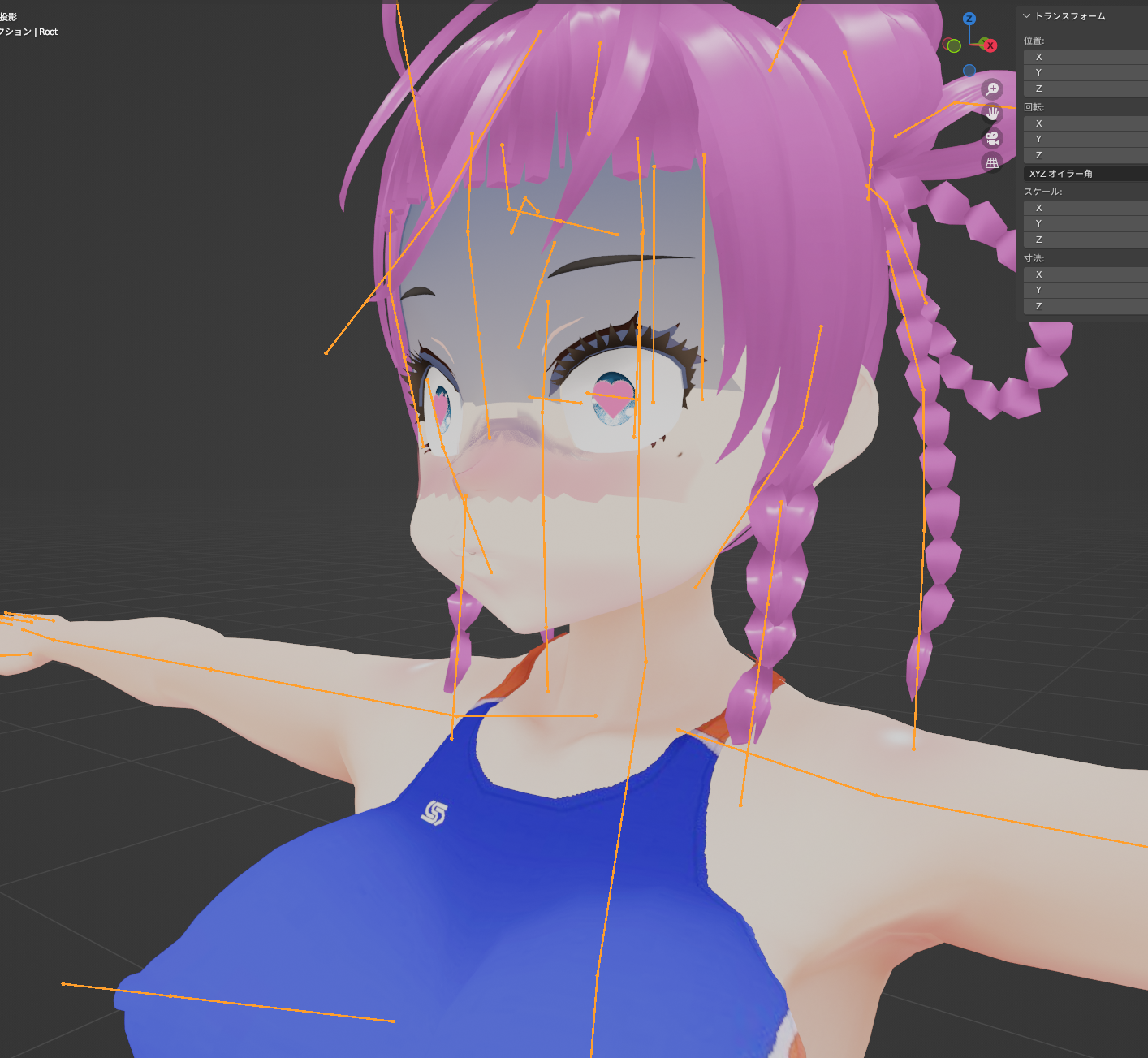
一人ずつUnityへ移植していってるが、鼻の上の青ざめがイマイチ出なかったり、ハート目が上手く出なかったりと今日は難航してます。

明日も直しつつ作業続行予定

I'm porting one character at a time to Unity, but I'm having trouble today with the pallor on the nose and the heart eyes not coming out right.

I'm going to continue working on it tomorrow while fixing it.


View Post

2人分の頬染め・青ざめシェイプキー設定/Cheek dyeing and pallor shape keying for two characters.


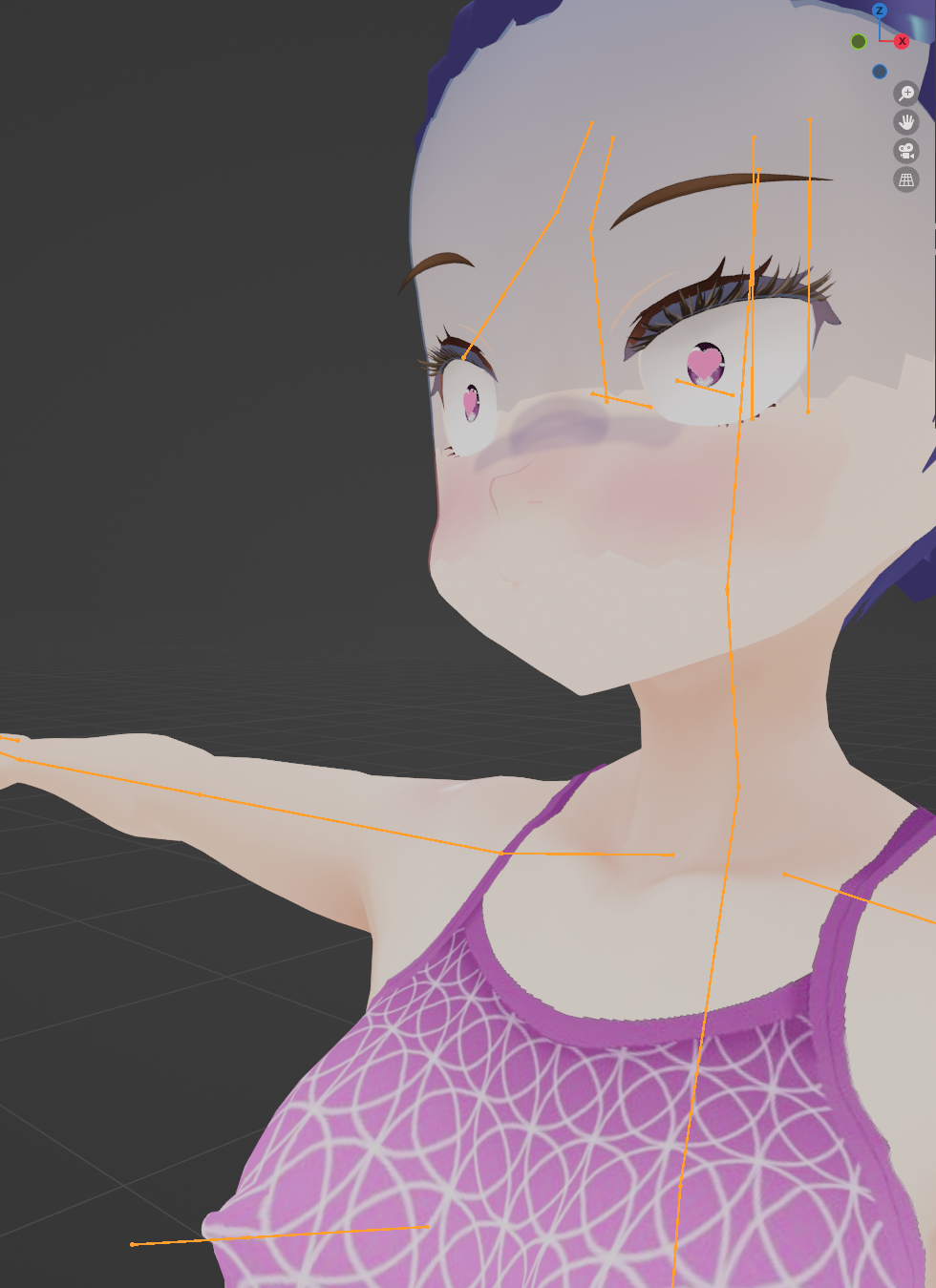
2人分の頬染め・青ざめシェイプキーを設定できました。最終的には15分/人で設定で

きるようになりました。

Cheek dyeing and pallor shape keys for two characters were set up. The final setting could be set for 15 minutes/character.

View Post

頬染め・青ざめ表情シェイプキーやってみた/I did a cheek-tinting and pallor expression shape key


水中表現には必須の青ざめと頬染めの表情をシェイプキーでON・OFFできるようにblenderで設定してみました。unityに持って行く時のためにテクスチャ画像もエクスポートしてあります。これで上手くいってくれるといいんだけど

I used blender to set the pallor and cheek-tinted expressions, which are essential for underwater expressions, so that they can be turned on and off with the shape key.

I also exported the texture images for when I take them to unity. I hope this will work.

View Post

今日は調査のみ/Today is only a survey

昨日飲み会、おとつい体調不良で更新休みました。

今日は、こちらの作品に衝撃を受けて、blenderでのアニメーション制作の流れを確認しておりました。

I had a drinking session yesterday and took a break from updating due to illness.

Today, I was shocked by this work and was checking the flow of animation production in blender.

(frame embed)


結論から言うとblenderの場合、レンダリングに相当なPC負荷が掛かることが判明し、これまで通りunityで制作した方がいいことを再確認しました。

背景部分だけでもと思い、コースティクスを狙って250フレームほど海洋モディファイアを設定した状態でレンダリングしようとしたところ、空冷ファンがフル回転しはじめたので、このように考えた次第です。

来月もコツコツと進めていきますので、ご支援よろしくお願いします。

In conclusion, it turned out that in the case of blender, a considerable PC load was required for rendering, and I reconfirmed that it was better to create the animation using unity as before.

I thought I would just do the background part, and when I tried to render it with the marine modifier set to about 250 frames for the caustics, the air-cooled fan started to rotate at full speed, so I decided to do this.

I will be working steadily on this next month and would appreciate your support.

View Post

今日の作業結果/Today's work result

昨日学習した結果を和美と雅泳にも反映してみました

The results of yesterday's study were also reflected in Kazumi and Masae


View Post

今日の作業結果/Today's work result

伊織にハート目シェイプキーが設定できました。

既に設定している水着乳首浮きシェイプキーと合わせて良い感じに動かせることも確認できました

こちらのスクリプトをお借りしました

(frame embed)


ありがとうございます

View Post

チュートリアル続編をやってみた結果/The results of the tutorial sequel.

とりま、こないだまで作ってた動画で課題だった点2つを解決できたので、動画を更新します 課題 1. 画面が全体にのっぺりしてる。。 2. 口からの泡パーティクルのタイミングをStart Delayで調整してたので、タイミングとか方向とか大きさを確認する際に毎回レンダリングする必要があった これらの課題をチュートリアルを見た結果以下のように解決できました 解決策 1. 背景とキャラに違う値のブラーを設定して遠近を出そうとしてみました 2. チュートリアルのコントロールトラックを習得したことによって、Timeline上で確認することができるようになった Anyway, I've solved two issues with the video I was making until the other day, so I'm updating the video. Issues (1) The screen is too flat. (2) The timing of the bubble particles from the mouth was adjusted using Start Delay, so I had to render every time I wanted to check the timing, direction and size. These issues were solved as follows after watching the tutorial Solution. (1) I tried to set different values of blur for the background and the character to create perspective (2) I learned the control track in the tutorial so that I could check it on the timeline

View Post

本日の作業結果/Today's works results

コライダー設定を引き継ぐのにunityのプロジェクトフォルダごとのコピーが必要なことに気づくのに時間が掛かったので、本日は伊織のオナニー基本姿勢までで時間切れです It took me a while to realise that I needed to copy the entire unity project folder to take over the collider settings, so my time is up to Iori's basic masturbation posture today!

View Post

本日のblender・unity作業/Today's blender/unity works.

本日の作業

1.雅泳のちんこを良い感じにして水着の勃起メッシュを変える

2.Unityに上手く取り込んでアニメーションできるか確認


Today's tasks

1.Make Masae's cock look good and change the erection mesh of his swimming costume.

2.Check if it can be imported into Unity and animated well.


1.はblenderの基礎がわかってなかったので、1日悩んだ末にTじろ~師匠(https://www.pixiv.net/users/1404138)にご指導いただいて、なんとかなりました。

1. I didn't understand the basics of blender, so after a day of struggling I managed to get some guidance from Master Tjiro~ (https://www.pixiv.net/users/1404138).

2.はUMotionProの制限で「しっぽとかついてんのはGenericアバターでGenericプロジェクトとしてやってね」と書いてあるのにさっき気づいて、とりまちんこメッシュがボーンに追随しないのを確認したので、はみ出さない範囲でやってみること、縮瞳はカーブシートをキッチリ設定すればなんとかなるところまで確認できました。

2. is to try to do it as far as it doesn't stick out, because I just realised that UMotionPro's limitation says "Do it as a Generic project with a Generic avatar if it has a tail or something", and I confirmed that the cunt mesh does not follow the bones, the shrinkage pupils.

I was able to confirm to the point where I could manage it if I set the curvesheet properly.


View Post

水中射精差分(背景音差し替えバージョン)/Underwater Cumshot Differential (background sound replacement version).

というわけで、背景音を変更したフルバージョンになります。 この背景音の方が何故か自分もヌけるのよねぇ So this is the full version with the background sound changed. For some reason, this background sound makes me feel lewd too.

View Post

20230320の作業結果/Today's work results

・水中背景音を変更 ・unityでのコライダー設定 ・差し替えたアバターでのモーション試行  →ただしここで雅泳へのちんこの付けかたをミスっていることが発覚 明日手戻り作業。 というわけで、動画もすこしいじりましたので久しぶりの支援者限定動画をうpします Change the underwater background sound. Setting up a collider in unity. Motion trials with the avatar that was replaced.  →However, it was discovered that a mistake was made here in the way the cock was attached to Masae. Tomorrow, I'll go back and work on it. I've also tweaked the video a bit, so I'll be uploading a supporter-only video for the first time in a while.

View Post

20230319の作業結果/Today's work results

本日は、blender←→unityを往復しつつ、無事にunity側でShapekeyが反映されるところまでこぎつけました。

今後の予定

・コライダー修正及び設定

・3キャラクターのモーション作成

・新作アニメーションステージの作成(SpringBoneが水中でいい感じで揺れるような挙動にしたい)


Today, while going back and forth between blender←→unity, I reached the point where Shapekey was successfully reflected on the unity side.

Future plans

Correcting and setting up the collider.

Creating motion for three characters.

Creation of a new animation stage (I want to make SpringBone behave in a way that it shakes nicely underwater).


View Post

20230318の作業結果/Today's work results

皆様の支援金でちんこアセットを購入したので、雅泳につけてみました。

ご支援ありがとうございます

We bought a cock asset with your support money and we put it on Masae.

Thank you for your support!


View Post

本日の作業結果/Today's work results

伊織に次の変更点を適用しました。

・乳首

・縮瞳

・bodyとswimsuitの分離

The following changes have been applied to Iori.

Nipples

Shrunken pupils

Separation of body and swimsuit.


View Post

本日の作業結果/Results of today's work

・雅泳の縮瞳設定

・和美の水着とbody分離

・和美の肌テクスチャを↓の乳首付きに

(frame embed)


・↓の記事を参考にbodyと水着に乳首を設定

(frame embed)


シェイプキーも設定しました。


Setup of Masayui's contracted pupils.

Separate Kazumi's swimming costume and body.

Set Kazumi's skin texture with nipples.

Set nipples on body and swimming costume with reference to the article ↓.

(frame embed)


Shape keys were also set.

View Post

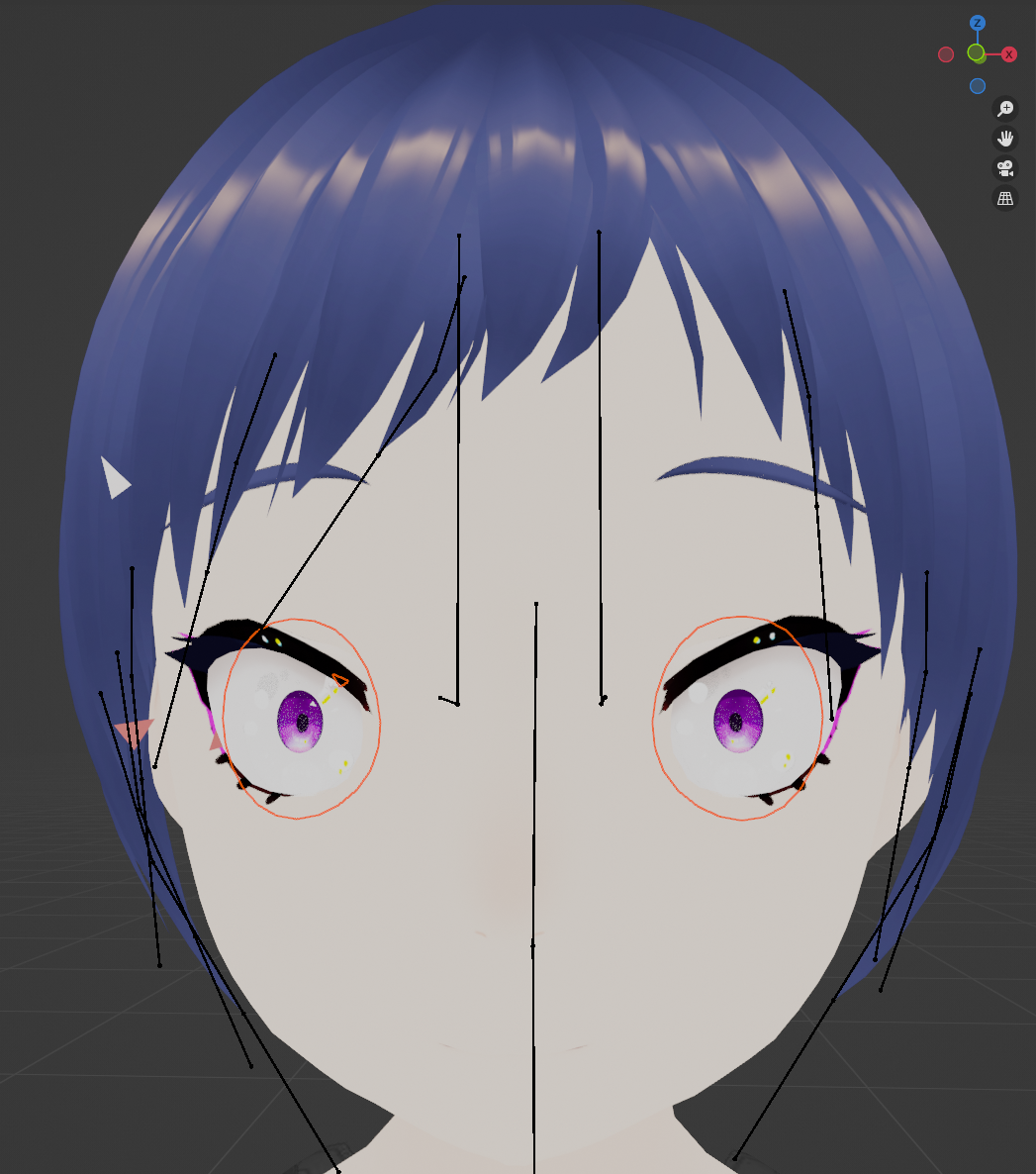
縮瞳できたよー。手順メモと今後の予定/I've been made to shrink my avatar eye Iris! Procedure notes and future plans

大まかな手順

Faceオブジェクトを選択した状態で編集モードに入る

Faceのすべての頂点が選択されていることを確認(されてなければAキーで全選択)

オレンジのとこで右クリックして分離→マテリアルで

分離できたら一旦オブジェクトモードに戻る


Face02/Face03を選択した状態でシェイプキー追加

追加後編集モードへ移行

メッシュ表示がオレンジ色になっていて、瞳孔のみ選択されていればOK

されていなければFace02/Face03オブジェクトを選択しなおして、ビューエディタエリアでAキー

選択が適切なことを確認して、ヘッダメニューの頂点→シェイプキーからブレンド

作業コマンドウインドウで「シェイプキーからブレンド」のプルダウンメニューをクリック

Fcl_EYE_Surprisedを選択し、その下の「ブレンド」を最大値にする。このとき見た目も画像のように小さくなっているはず

確認できたら3Dビューエディタヘッダメニューでモードをオブジェクトモードに切り替え


今後の予定

・SwimsuitとBodyが分離されてないアバターの改良

 (VRoid Studio→unity→blender作業)

・女子アバターに↓を使ってまずVroid Studioで乳首追加

(frame embed)


 (可能ならBlenderで乳首勃起シェイプキー追加)

・全アバターに↓使ってunityでハート目追加

(frame embed)


これら工程をこの記事の流れに沿ってオプションとしてやっていく

(frame embed)


その後絡みモーションを作っていきたいが、これは先々の課題が山積と思われるので、少しずつ探っていく。

それと背景用プールシーンの設定で必要な作業

・PostProcessVolumeをプールの各段の大きさに合わせて複数設定しGroupでまとめる

・↓の水面効果をなんとか四角い平面にする(駄目ならカメラアングルでごまかす)

(frame embed)


あたりをなんとかしたい。

という感じでぼちぼちと次作準備を進めて参ります。


Rough procedure.

Enter Edit mode with the Face object selected.

Check that all vertices of the Face are selected (if not, select all with the A key).

Right-click on the orange area and select Separate -> Material.

Once separated, return to object mode.


With Face02/Face03 selected, add a shape key.

After adding, switch to Edit mode.

If the mesh display is orange and only the pupils are selected, OK.

If not, reselect the Face02/Face03 object and press the A key in the view editor area

Make sure that the selection is correct, then select Vertex in the Header menu -> Blend from the Shape Keys.

Click on the Blend from Shape Keys pull-down menu in the Work Commands window

Select Fcl_EYE_Surprised and set 'Blend' below it to the maximum value. At this point, it should look smaller, as shown in the image

Once confirmed, switch mode to object mode in the 3D view editor header menu


Future plans

Improvement of avatars whose Swimsuit and Body are not separated.

 (VRoid Studio -> unity -> blender work)

Add nipples to female avatars using ↓ in Vroid Studio first.

(frame embed)


 (If possible, add nipple erect shape key by Blender)

Add heart eyes to all avatars using ↓ in unity.

(frame embed)


Do these processes as options following the flow of this article

(frame embed)


After that, we want to make the entanglement motion, but this is considered to be a mountain of work ahead, so we will explore it little by little.

And the work needed to set up the pool scene for the background.

Set multiple PostProcessVolumes according to the size of each tier of the pool and put them together in a Group.

I want to manage to make the ↓ water surface effect into a square plane (if not, I'll cheat by using camera angles).

(frame embed)


I want to do something about this.

I will be preparing the next work slowly and steadily.

View Post

汁設定メモ

Transform

Posision(画面上で調整)

Rotation:(画面上でちんこの先に合わせて調整)

Scale:X=Y=Z=1


ParticleSystem

前提:

Start Delay/Durationで、パーティクルの発生時間・再生時間をコントロールするときの計算

フレーム数÷フレームレート×Simulation Speed

基本設定

Duration:上記計算でザーメンの再生時間を算出

Looping:OFF

Start Delay:上記計算式でザーメンを発生し始める時間を算出

Start Lifetime:10~50

Start Speed:0.001

Start Size: 0.008~0.03

Gravity Modifier:0

Simulation Speed:15

Emitter Velocity Mode:Transform

Max Particles:10

Stop Action:None


Shapeセクション

Shape:Cone

Angle:14.3

Position:(ちんこの先に来るよう調整)

Rotation:X=Y=Z=0

Scale:X=Y=Z=0.01


Rendererセクション

Render Mode:Mesh

Meshes:Cube

Material:(汁画像を設定したマテリアル)

Render Alignment:Local

Flip:X=Y=Z=0


というわけで、この辺の数値が得られたので、このアニメーションは一旦ここで改善打ち止めとします。

明日からは次作の準備に掛かりたいと思います。

View Post

泡設定メモ

Transform

Posision(画面上で調整)

Rotation:すべて0

Scale:X=Y=Z=0.5


ParticleSystem

前提:

Start Delay/Durationで、パーティクルの発生時間・再生時間をコントロールするときの計算

フレーム数÷フレームレート×Simulation Speed


基本設定

Duration:上記計算で泡の再生時間を算出

Looping:OFF

Start Delay:上記計算式で泡を発生し始める時間を算出

Start Lifetime:10~50

Start Speed:0.01

Start Size: 0.008~0.02

Gravity Modifier:-0.0001

Simulation Speed:15

Emitter Velocity Mode:Transform

Max Particles:50

Stop Action:None


Shapeセクション

Shape:Cone

Angle:14.3

Position:すべて0

Rotation:X/Y=0 Z=-180

Scale:X=Y=Z=0.025


Rendererセクション

Render Mode:Mesh

Meshes:Cube

Material:(泡画像を設定したマテリアル)

Render Alignment:Local

Flip:X=Y=Z=0


Unityで水中アニメーション作る人の役に立てばこれ幸い。というかそれは未来の自分のことかと。

View Post

水中射精差分の泡調整バージョン(支援者限定)

水中射精差分の泡調整バージョンになります。(支援者限定) This is a bubble-adjusted version of the underwater ejaculation differential. (Supporters only)

View Post

カメラ位置再調整+次作準備

今日はPostProcessVolumeが立方体であることに気づいて調整が必要なことが判明したのでなんとかしたのと、それに伴ってカメラの位置がおかしいことがわかったので調整しました。射精差分の泡の出方もいじりましたが、そこは支援者限定になります。 Today, I realised that the PostProcessVolume was cubic and needed to be adjusted, so I did something about it, and I also found that the camera position was wrong with it, so I adjusted it. I also tweaked the way the ejaculation diff bubbles appear, but that is for supporters only.

View Post

水中射精差分(支援者限定)

ちょっと尺を伸ばして射精させてみました。 泡パーティクルが一旦消失したので作り直しました。 I extended the duration a bit and made it ejaculate. The bubble particle disappeared once, so I had to recreate it.

View Post

フル勃起させてみた(全体公開)

今日は少し長めに時間があったので、以前から不満があったちんこサイズの調整をしてみました。射精差分は支援者限定になります。 I had a little longer production time today, so I adjusted the cock size, which I had been dissatisfied with for some time. Cumshot diffs will be limited to supporters only.

View Post